
Name-Based Case Searches
PeachCourt's own help pages walk through party-name search for Crisp Superior records. A name is a broad key. Common spellings or one person in several roles can muddy the results. Pick Crisp and Superior first. Then enter the least name needed to single out the case. Before opening any documents, pause. Confirm the county, court, case type, and filing date.
- Open the Georgia Courts e-access directory and choose Crisp Superior, or go to PeachCourt.
- Register or sign in. The public registration form asks for identity and contact fields, password confirmation, a secret question and answer, reCAPTCHA, and terms agreement.
- Choose the party-name search path and enter the name as the provider requests. Do not add unrelated police, jail, property, or agency searches.
- Compare every result by court, case number, case type, party role, filing date, and attorney field when shown.
- Save the exact case number and source URL before opening docket entries or requesting a document.
Treat a name match as a lead to a court record, nothing more. It proves no identity, guilt, liability, or current status. For a specific criminal or civil docket, the matching case number is the safer key.
Crisp County PeachCourt Search Fields
PeachCourt's search help splits its tools into case, party, county, court, and filing searches. Once a criminal case opens, several fields appear. You may see the judge, status, co-defendants, attorneys, charges, disposition and date, calendar events, proceedings, and documents. Civil matters add filing date, party role, service, motions, hearings, judgments, costs, satisfaction, appeals, and document status. What appears varies by court.
| Search or result field | Use it for | Check before relying on it |
|---|---|---|
| County and court | Choosing Crisp Superior and keeping the search in the right jurisdiction | A provider route can be narrower than the county’s full court structure |
| Case number | Exact lookup and repeatable source notes | Copy every letter, number, slash, or hyphen exactly as displayed |
| Party name or role | Finding a case when the number is unknown | Common names can produce multiple results |
| Filing search | Locating a filing or date range across the available provider index | Index coverage and document access can vary |
| Docket or document link | Reading entries, orders, or images | Sealed, adoption, unexecuted proposed-order, and other excluded documents may not display |
The PeachCourt search diagnostics help lays out the provider's current search controls. Save the source date with any result you keep, since a later status change or restriction can alter what stays visible.
Case Number Searches
An exact case number is the best Crisp search key. Take the number from the clerk, a summons, an order, a citation, or the provider itself. Crisp County runs several court classes. No single county-wide case-number format applies. Never borrow a pattern like a made-up CR or CV style from another Georgia county.
Copy the number exactly as shown: the complete Crisp case number shown by the court or provider. Alongside it, note the court, case type, filing date, and party role. A number that returns nothing deserves a second look. Check every character, and confirm the matter really is Superior, before you fall back on a name search.
A case number also helps the clerk give you a precise answer. Request a docket sheet or an entry date. Ask for a public order, a certified copy, or an access explanation rather than a broad person-based file. The clerk can tell you whether the number belongs to Superior, Magistrate, Probate, Juvenile, a municipal court, or another system.
Crisp County Search Registration Steps
PeachCourt access starts with an account. Crisp Superior searches and mandatory e-filing both require one. The public registration form asks for last name, first name, email, confirm email, password, confirm password, secret question, and secret answer. It also asks for reCAPTCHA and agreement to the terms. Which fields are truly required is not clear from the page alone. Follow the provider's current form.
An account is a gate, not a replacement for the Clerk. The provider notes that documents vary by court and that public categories carry exclusions. If registration fails or a CAPTCHA blocks the form, contact the Clerk at the courthouse. Do the same when a result needs certification. Lower-court matters belong with the lower court's phone or counter, not forced through PeachCourt.
The PeachCourt registration page lists the account fields.
Case Search Results Explained
Read a result as a set of fields. Don't rely on one status word. Check the court, case type, case number, filing date, parties, judge, docket entries, documents, and any access notice. A complaint or accusation is only an allegation. A motion is only a request. The controlling court action is a signed order or judgment. Even a label like Disposed or case closed may just be provider wording. It says nothing about a later appeal, probation, restitution, or restriction.
| Result identity | Court, county, case number, case type, filing date, and party role. |
|---|---|
| Case activity | Docket entries, filings, settings, motions, orders, judgment, disposition, appeal, or satisfaction. |
| Document status | Public image, unavailable, sealed, redacted, not imaged, or provider-excluded category when shown. |
| Source trail | Provider URL, entry label, filing or event date, and date the result was checked. |
| Meaning | Use the court’s words. Do not turn a filing, warrant, pending charge, or name match into a stronger conclusion. |
When a result truly matters, pull the controlling order or request it from the clerk. A downloaded vendor image is not automatically a certified copy.
Crisp County Search Result Limits
A no-result search can mean many things. Crisp Superior requires a PeachCourt account. The record may be sealed, restricted, excluded from public document access, not yet indexed, older than the provider's online history, or held by Magistrate, Probate, Juvenile, a municipal court, or a federal court. A CAPTCHA, a provider outage, or spotty indexing is an access condition, not proof the case is absent.
When a search stalls, ask the Clerk for a public index search, case-number confirmation, a docket sheet, a certified copy, or the rule limiting access. For a Magistrate file, call 229-271-4728. Probate takes 229-271-4731. Juvenile is 229-271-4727, or the Clerk at 229-271-4726. Cordele and Arabi citations go through their municipal routes.
Keep a court docket separate from a police report, jail report, DDS report, property record, or social-media result. Each agency keeps its own record on its own update cycle, so a blended bundle is not one case record.
Two Ways to Search: County and State
Georgia offers no single free statewide index for a Crisp County court docket. What the state does publish is the Georgia Courts e-access directory. That directory works more like a phone book than a search engine. It points Crisp Superior Court cases to PeachCourt. Every other Crisp court still takes a separate call or visit to its own office. That gap is the real difference between a state directory and a local case lookup. One maps you to the right place. The other shows the actual entries.
| Search layer | What it can do | What it cannot promise |
|---|---|---|
| Georgia Courts e-access directory | Point the researcher to the provider for Crisp Superior | A complete index, free access, or coverage of every Crisp court |
| PeachCourt | Search available Crisp Superior cases by case, party, or filing route | Public images for sealed, adoption, excluded, or unavailable documents |
| Local clerk or court | Answer lower-court routing, certification, restricted access, and missing-record questions | A published login-free database when one was not located |
| PACER federal search | Search Middle District of Georgia and other federal courts | A county Superior, Magistrate, Probate, Juvenile, or municipal docket |
A Superior Court case? Start with PeachCourt and let the clerk back you up if the provider comes up empty. For any other docket, find which office holds the file before you search anywhere. A directory is a map. It is not one combined Crisp County docket search.
Crisp County City Ticket Searches
A city ticket never travels the Crisp Superior PeachCourt route. Cordele and Arabi each run their own municipal traffic system. Cordele citations go through GovernmentWindow or Ticket FastPay. The Cordele Municipal Court clerk sits at 229-276-2916. Arabi uses the town's nCourt citation search, with a clerk at 229-273-5096. Check which municipality printed the citation. That name sets your first route.
Georgia Courts confirms no central traffic-citation database exists. Cordele Police warns that online payment shuts off after the court date. Arabi's portal asks for five days of patience. It flags two quirks: letter suffixes and leading zeroes. One caution matters here. A payment or citation search is not a full municipal docket, and it will not show every order or hearing setting.
Search by the number on the citation rather than a broad party name. If the ticket is past its date or missing from the portal, call the municipal clerk. Never route a Cordele ticket to Arabi's vendor, and never send a city ticket to Crisp Probate without reading the citation first.
Crisp County Federal Case Search
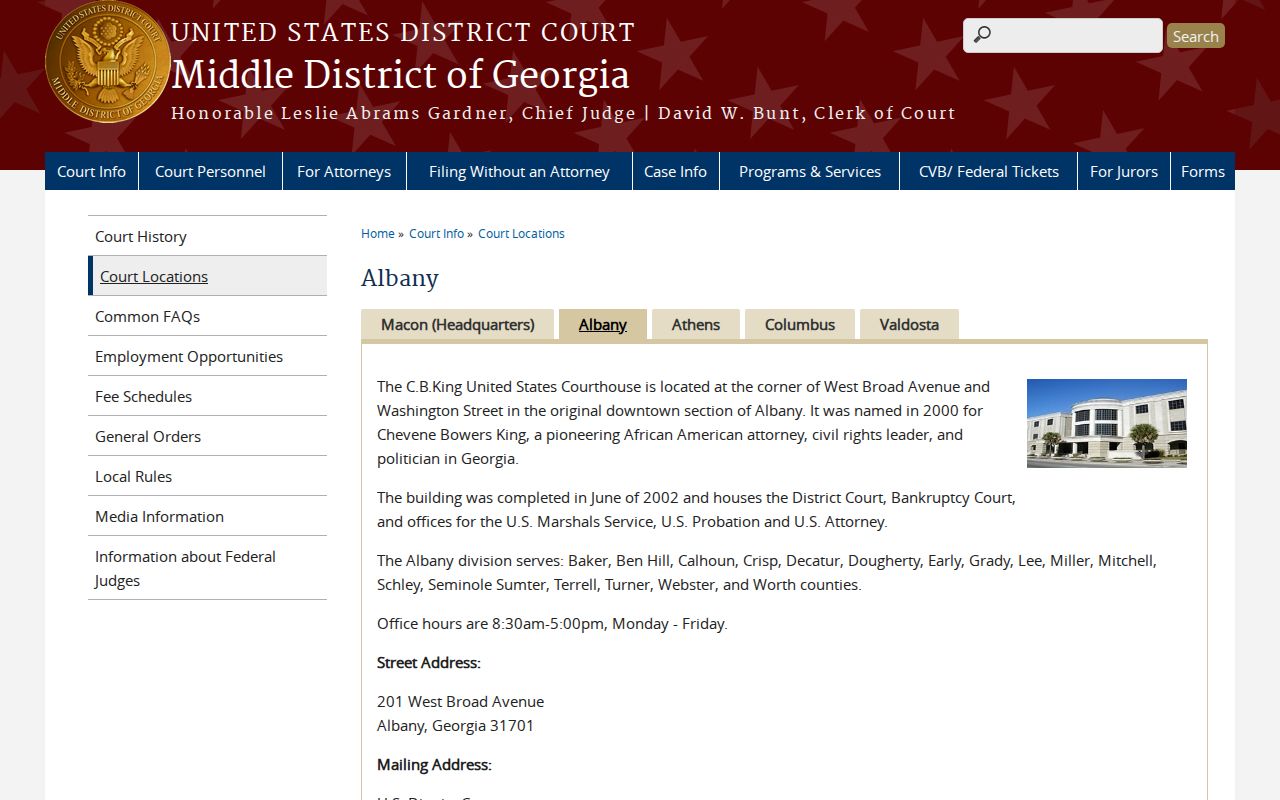
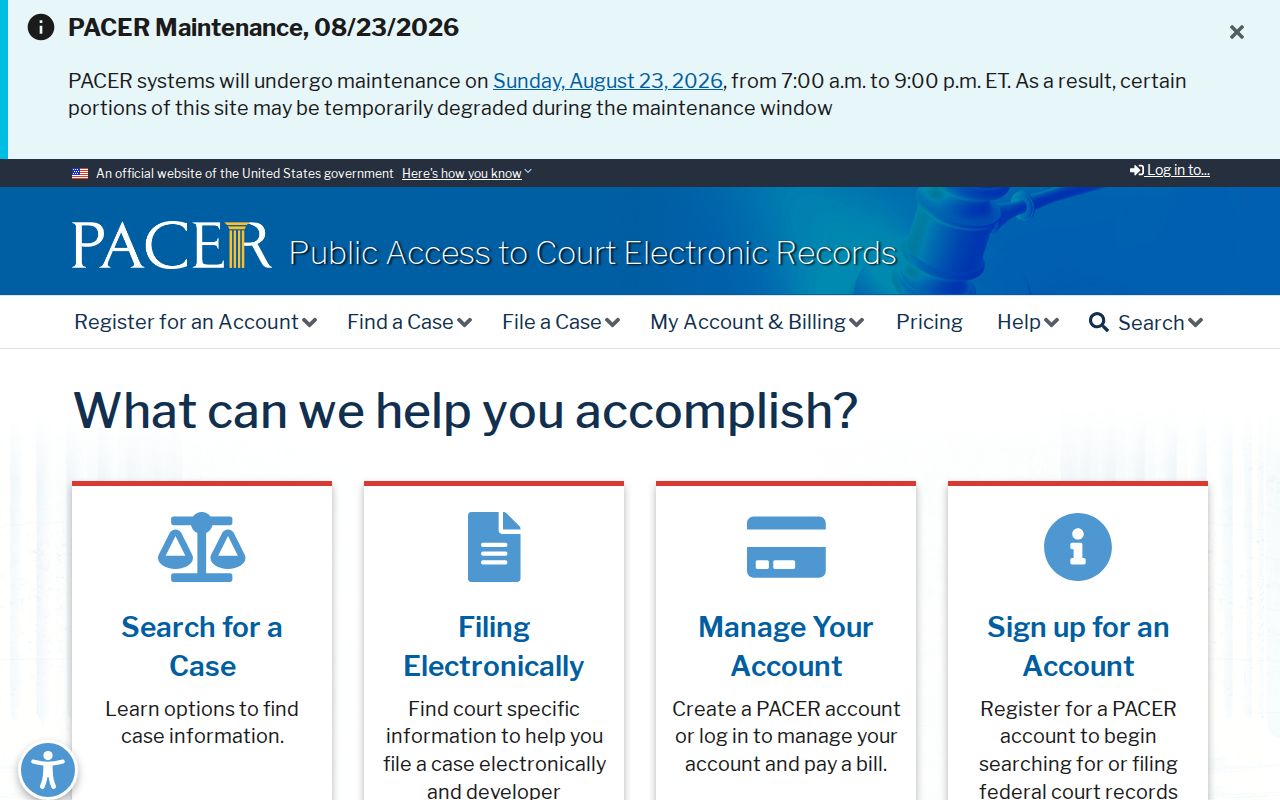
Federal cases tied to Crisp County land in the Middle District of Georgia, Albany Division, when venue fits. The Crisp County Clerk holds none of them. Through PACER you can search by case number or party name and pull docket reports plus document links. Bankruptcy is separate again. Those matters belong to the Middle District Bankruptcy Court. Use its PACER, VCIS, and CM/ECF routes.
Write down the details that matter: court or division, case number, case type, filing date, parties, judge, docket entries, document number, any sealed-entry marker, judgment, appeal, and the access charge. A national index helps when the filing court is a mystery. The filing court itself still verifies everything.
The Middle District of Georgia Albany page identifies the federal division serving Crisp County.
The PACER source explains federal account and document-access rules.
Crisp County Clerk Search Needed
Some situations call for the Clerk of Superior and Juvenile Courts directly, especially when a result needs certification. A document is restricted. An old file has gone missing. Pick up the phone when the provider will not answer the question. A docket entry may read like a puzzle. The office sits at 510 7th Street North, Cordele, Georgia 31015, with mail to P.O. Box 747, Cordele, Georgia 31015. Call 229-271-4726 on weekdays between 8:30 a.m. and 5 p.m.
Crisp Superior and Juvenile Clerk
Tara Hayslip, Clerk
510 7th Street North, Cordele, GA 31015
229-271-4726
Name the product when you call. Ask for a public index search, a docket sheet, a public or redacted document, a certified copy, a judgment, an order, or case-number confirmation. The Clerk can redirect you. A file might belong to Magistrate, Probate, Juvenile, a city court, the Sheriff, or DDS instead. That answer only redirects you. The office holding the record must actually fill the request.